Skip to content
ProDroidTech
Menu
  • Home
  • app-reviews
  • AI & Automation
  • smart devices
    • AndroidTV
    • Firestick
    • BoxTV
    • GoogleTV
  • More Categories
    • Top Lists & Recommendations
    • Tech Tutorials
    • Top 10 AI Tools That Failed Creator
    • Free Tools
  • Contact
  • About Us
Menu

How to use 5 free productivity and organization apps for Android

Posted on November 27, 2025January 3, 2026 by mebech33


Top 5 Apps

Top 5 Productivity & Organization Apps for Android (2025)

 
By ProdroidTech Editorial • Updated: Nov 24, 2025 • Est. read: 10–14 min/<

Intro — Why these apps ?

Productivity apps help you organize tasks, notes, schedules and projects while reducing friction between ideas and execution. This list focuses on free (or freemium) Android apps that are polished, regularly updated, and offer real value without forcing immediate payments.

Todoist screenshot

1. Todoist — Tasks & To-Do Lists

Simple, powerful task manager with projects, labels and reminders.

Todoist is a lightweight but powerful task manager suitable for daily to-dos and multi-step projects. It synchronizes across devices, supports natural language input, and integrates with many services.

Key features
  • Quick add with natural language (e.g., “Call John tomorrow 9am”)
  • Projects, sub-tasks, labels and filters
  • Reminders, recurring tasks, and productivity streaks
  • Integrations: Google Calendar, Zapier, Alexa
Pros
  • Clean UI, fast
  • Cross-platform
Cons
  • Advanced features behind Premium
Notion screenshot

2. Notion — Notes, Databases & Docs

All-in-one workspace for notes, docs, tasks and lightweight databases.

Notion blends note-taking, documents, and database-like pages into a single flexible tool. It’s excellent for planners, knowledge bases, and anyone who likes to structure information visually.

Key features
  • Blocks-based editor (rich content: text, tables, embeds)
  • Databases, templates, relational views
  • Collaboration, comments, and shared pages
Pros
  • Extremely flexible
  • Great templates
Cons
  • Mobile editing can feel cramped
Google Keep screenshot

3. Google Keep — Quick Notes & Checklists

Fast notes, voice memos, and simple checklists that sync with your Google account.

Google Keep is perfect for quick capture — checklists, voice notes, image notes, and reminders. It’s super fast and integrates seamlessly with Google services.

Key features
  • Color-coded notes and labels
  • Voice notes with transcription
  • Location and time-based reminders
Pros
  • Instant capture, great for quick ideas
  • Free and syncs with Google account
Cons
  • Limited structure for large projects
Trello screenshot

4. Trello — Visual Kanban Boards

Card/board system for managing projects visually with team collaboration.

Trello uses boards, lists and cards to represent projects and workflows. It’s ideal for visual planners and teams that like Kanban-style organization.

Key features
  • Drag & drop cards, checklists, due dates
  • Power-Ups (integrations) for calendar, automation
  • Shared boards for team collaboration
Pros
  • Highly visual and easy to learn
  • Good for team workflows
Cons
  • Large projects can become cluttered
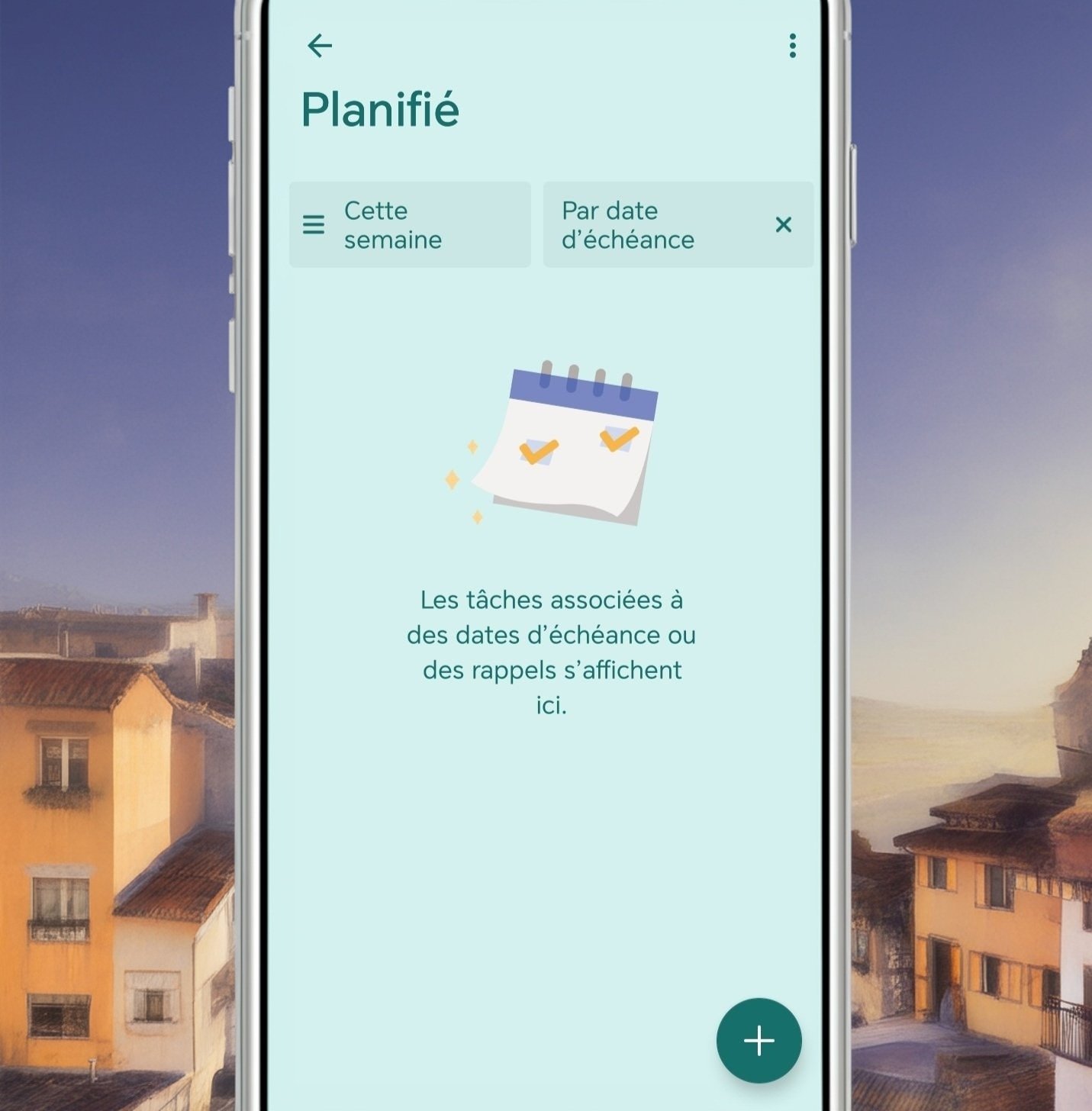
Microsoft To Do screenshot

5. Microsoft To Do — Simple Lists with Planner Integration

A straightforward task list app that syncs with Microsoft services and Planner.

Microsoft To Do is a polished list app with smart suggestions, My Day planning, and Planner/Outlook integration for work users.

Key features
  • My Day workspace and suggestions
  • Steps (subtasks), reminders and recurring tasks
  • Integration with Microsoft 365 ecosystem
Pros
  • Great for Microsoft users
  • Clean, simple UX
Cons
  • Less flexible than Notion for complex docs

Quick Rating Table

App Best for Rating
Todoist Personal tasks & projects ★★★★☆
Notion All-in-one workspace ★★★★☆
Google Keep Fast notes & reminders ★★★★☆
Trello Visual project boards ★★★★☆
Microsoft To Do Simple lists, Microsoft users ★★★★☆

How to pick the right app

Choose based on your workflow: quick capture (Keep), structured projects (Todoist/Trello), or full knowledge management (Notion).

Top combos

  • Notion + Todoist — deep notes + task engine
  • Trello + Google Keep — visual planning + quick capture
  • Microsoft To Do + Outlook — great for Office users

Downloads ALL APPS Here

Play Store Browse Apps on Google Play

FAQ — Productivity Apps

Q: Which app is best for teams?
A: Trello is excellent for visual team workflows; Notion works well as a shared knowledge base. For tight Microsoft teams, Microsoft To Do + Planner is recommended.
Q: Are these apps free?
A: All listed apps offer free tiers. Some advanced features (team admin, increased storage, integrations) may be premium.
Q: Can I use multiple apps together?
A: Yes — many people combine a quick-capture app (Keep) with a task manager (Todoist) or project board (Trello) for best results.

Conclusion — Choose by workflow, not hype

Each app shines at specific tasks: quick capture, structured projects, visual planning or full documentation. Try one or two combinations for a week and pick the one that reduces friction in your daily routine.

Last updated: Nov 24, 2025 — ProdroidTech

Recent Posts

  • Boost Your Productivity with Simple Automated Workflows
  • Boost your productivity with simple automated tasks
  • How to promote and sell products directly through the TikTok Shop
  • Top technology news emerging technologies and tools innovative
  • The best digital tools smart solutions for boosting productivity automation

Recent Comments

No comments to show.

Archives

  • February 2026
  • January 2026
  • December 2025
  • November 2025
  • October 2025
  • May 2025

Categories

  • AI & Automation
  • AndroidTV
  • app-reviews
  • best Android apps
  • Blog
  • Blogging
  • BoxTV
  • Category
  • Firestick
  • Free Tools
  • GoogleTV
  • How-To Fix & Tech Solutions
  • Smart Devices
  • Tech Deals & Offers
  • Tech News & Trends
  • Tech Tutorials
  • Top 10 Free AI Video
  • Top Lists & Recommendations
  • Uncategorized
About Us
Privacy Policy
Contact Us
Disclaimer
Terms & Conditions
cookie-policy
About Us
Privacy Policy
Contact Us
Disclaimer
Terms & Conditions
cookie-policy

© 2025 ProDroidTech. All rights reserved.

©2026 ProDroidTech | Design: Newspaperly WordPress Theme
Review Your Cart
0
Discount
Add Coupon Code
Subtotal
Total Installments (before discounts)
Bundle Discount
Checkout
0

Notifications